Invisible Text for Instagram Bio: Add Spacing and Blank Lines
Use invisible Unicode characters to add blank lines and perfect spacing in your Instagram bio. Free tool and step-by-step guide.
What You Need to Know
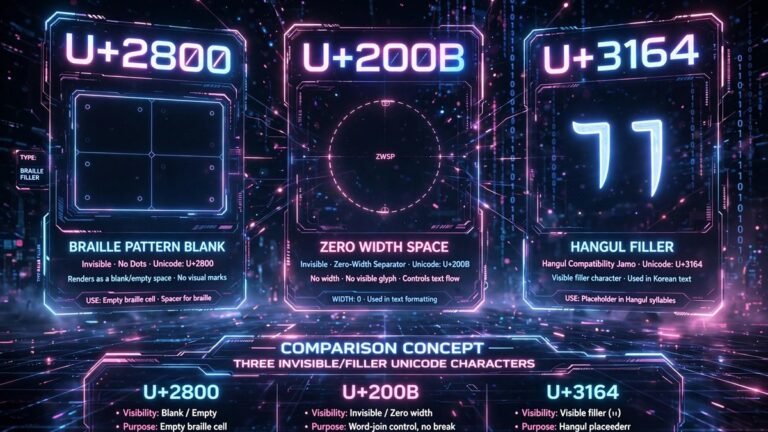
Invisible text is powered by special Unicode characters that render as blank space. The most reliable one is U+2800 (Braille Pattern Blank), which works across WhatsApp, Instagram, Discord, and most other apps. Unlike regular spaces, these characters are treated as real text content.
To get started, visit our invisible text generator homepage where you can generate blank characters instantly.
How It Works
The trick relies on Unicode characters that have no visible glyph but still count as text. When you copy these characters and paste them into an app, the app sees real content and accepts it, even though nothing appears on screen.
Related tool: Try our small text generator
Related tool: Try our cool text generator
Tips for Best Results
- Always copy from a reliable generator to ensure you get the correct character
- If one invisible character does not work, try another (U+2800, U+3164, U+200B)
- Test in a private chat before using in important conversations
Conclusion
Invisible text is a fun and useful trick once you understand how it works. Explore our tools to master it.