How to Send Blank Messages on WhatsApp (2026 Guide)
Want to surprise your friends with a message that looks completely empty? Sending blank messages on WhatsApp is a fun trick that never gets old. Whether you want to prank someone, create suspense before a big announcement, or just play around, this guide shows you exactly how to do it in 2026.
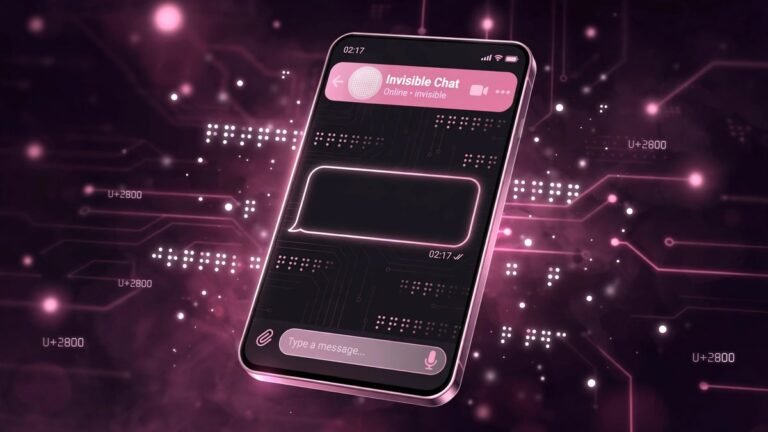
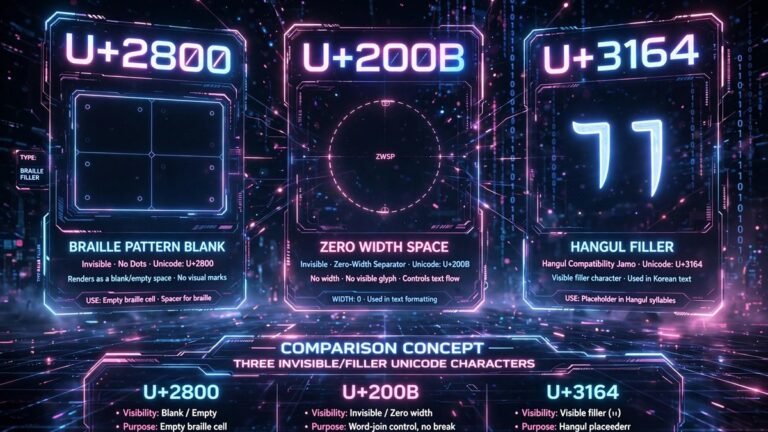
The secret is a special invisible Unicode character called U+2800 (Braille Pattern Blank). It looks like nothing, but WhatsApp treats it as real text. That is why your blank message actually sends instead of disappearing.
How to Send a Blank Message on WhatsApp: Step by Step
Follow these simple steps to send your first invisible message:
- Generate the invisible character. Head over to our invisible text generator and copy a single blank character. You can also copy it from any of our tool pages.
- Open WhatsApp and go to the chat where you want to send the blank message.
- Paste the character into the message box. It will look empty, but something is actually there.
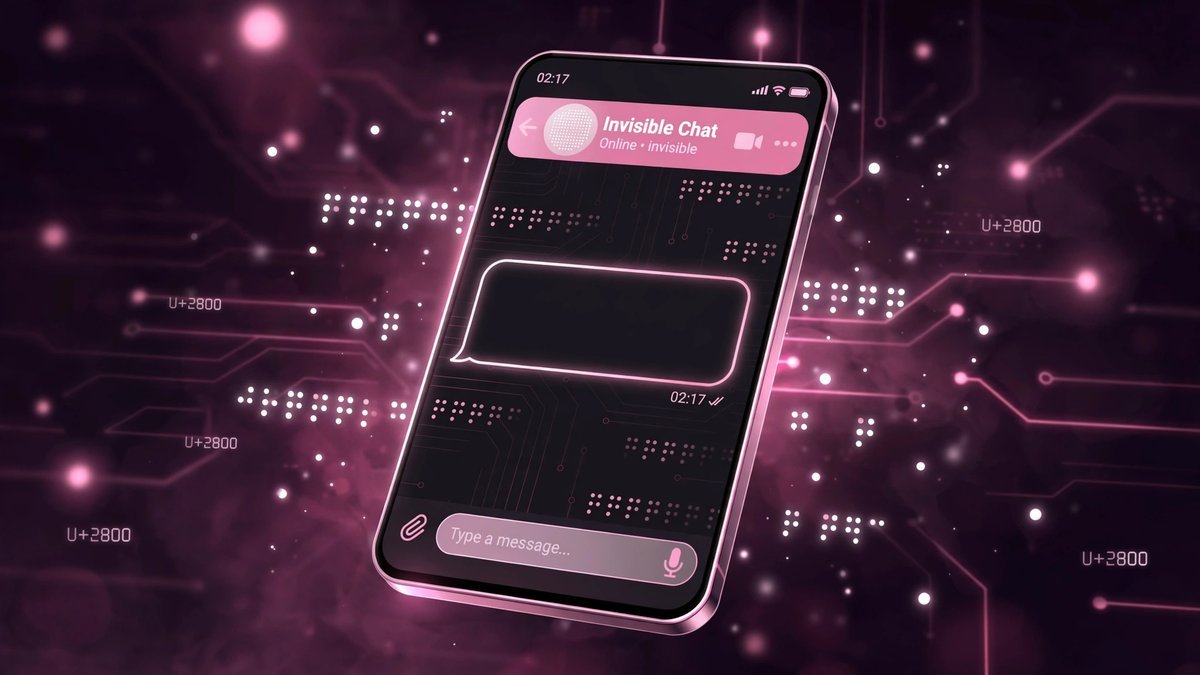
- Hit send. Your contact will receive a message bubble that appears completely blank.
That is all there is to it. The recipient sees an empty bubble and usually replies with confusion, which is half the fun.
Why Normal Spaces Do Not Work
You might wonder why you cannot just press the spacebar a few times and hit send. WhatsApp automatically trims messages that contain only regular spaces (U+0020). The app sees nothing meaningful and refuses to send it, or the message vanishes before sending.
The U+2800 Braille blank is different. It is a legitimate Unicode character that simply renders as empty. WhatsApp does not trim it because, as far as the app is concerned, your message contains real content. This is the same reason our free invisible text tool uses U+2800 as its default character.
Blank Message Ideas to Try
Once you know the trick, here are some fun ways to use it:
- The suspense builder: Send three blank messages in a row, then follow up with your actual news. The empty bubbles create anticipation.
- The fake glitch: Tell your friend your WhatsApp is broken and “sending empty messages by itself,” then keep sending blanks.
- The invisible reply: When someone asks you a question you do not want to answer, reply with a blank message. Mysterious and hilarious.
- Blank status: You can also use the invisible character in your WhatsApp About/status line to appear as if you have no status at all.
Does It Work on WhatsApp Business and WhatsApp Web?
Yes. The trick works on regular WhatsApp, WhatsApp Business, and WhatsApp Web because they all handle Unicode text the same way. Copy the invisible character from our Unicode text converter page if you want to explore other invisible characters beyond U+2800.
On WhatsApp Web, the process is identical: paste the blank character into the message box on your computer and press Enter. The invisible character copies perfectly from any modern browser.
Troubleshooting: When Blank Messages Fail
If your blank message does not send, check these common issues:
- You copied a regular space. Make sure you copied U+2800 from a proper generator, not just spaces from your keyboard.
- The app trimmed it. Try two or three invisible characters instead of one. Multiple characters are harder for filters to strip.
- Clipboard issues. Some phones have aggressive clipboard managers. Try copying again or use a different browser.
If WhatsApp ever patches this trick, alternatives like U+3164 (Hangul Filler) or U+200B (Zero-Width Space) often still work. You can read more about these characters in our detailed guides.
The Bottom Line
Sending blank messages on WhatsApp is one of the simplest and most entertaining text tricks you can learn. All you need is the U+2800 invisible character, which you can generate for free on our site. Try it on your friends today, and enjoy the confused replies.
Want more invisible text tricks? Check out our Discord timestamp generator and explore the full collection of Unicode tools on our homepage.